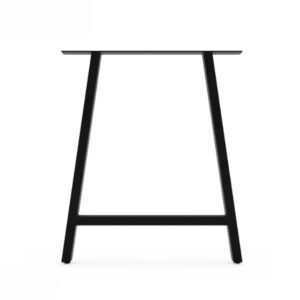
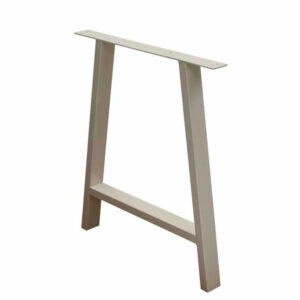
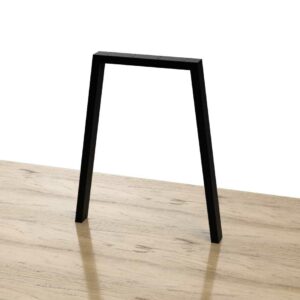
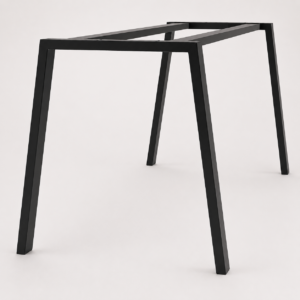
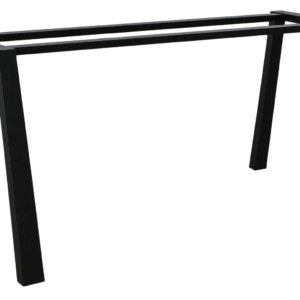
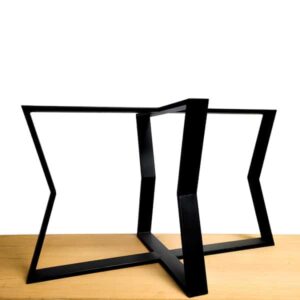
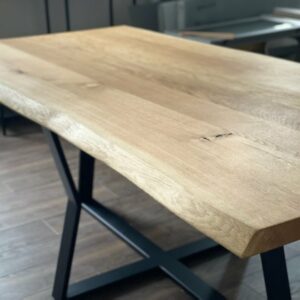
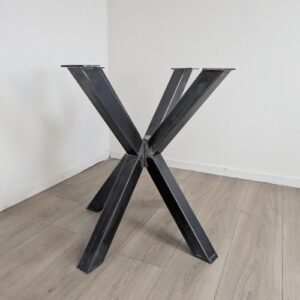
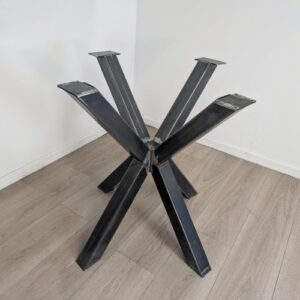
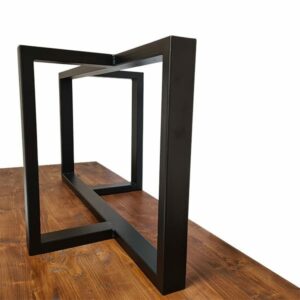
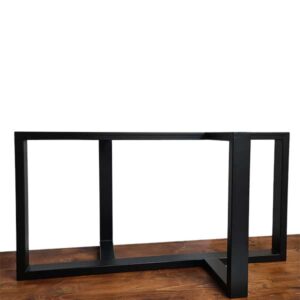
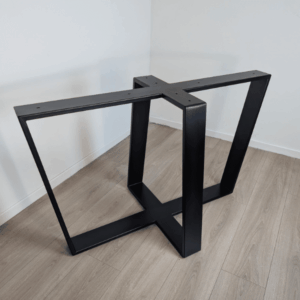
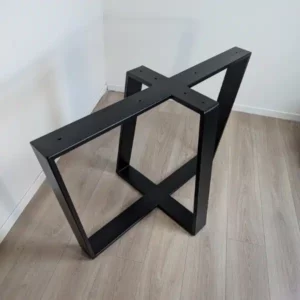
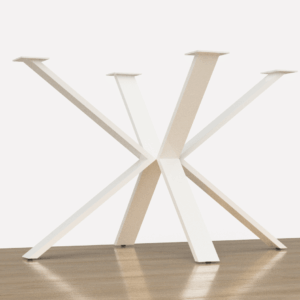
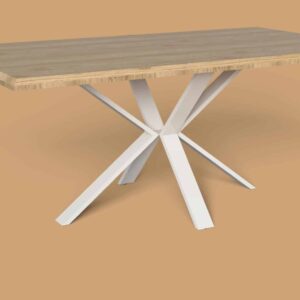
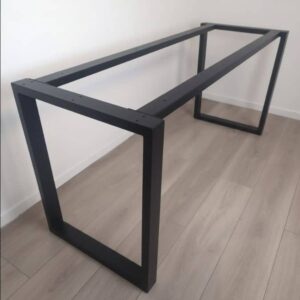
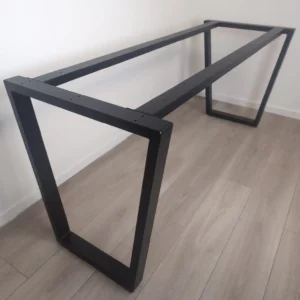
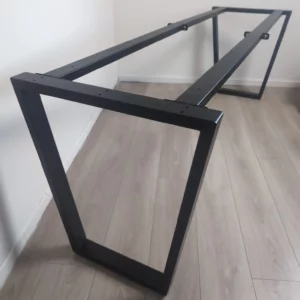
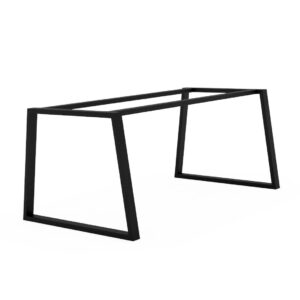
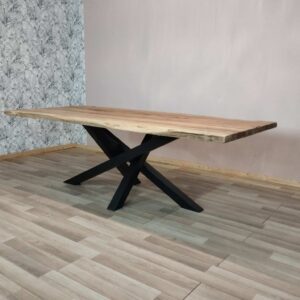
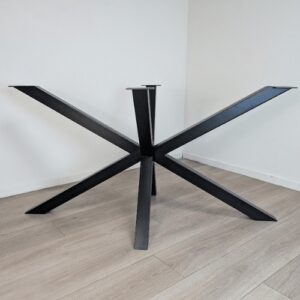
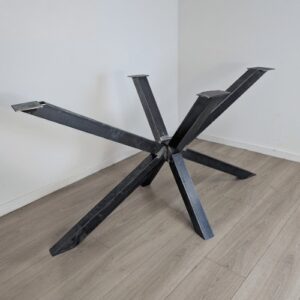
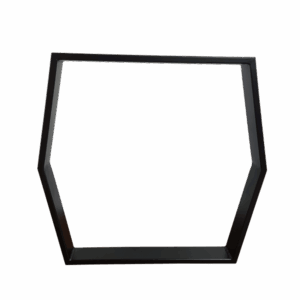
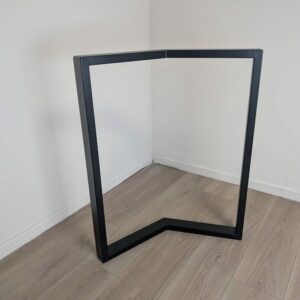
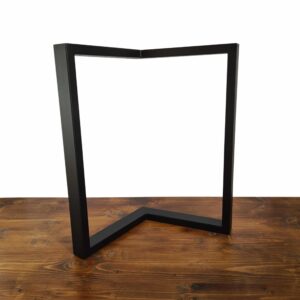
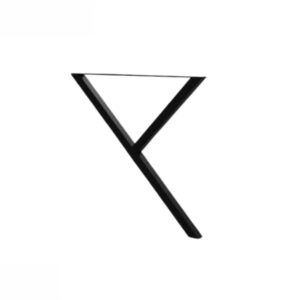
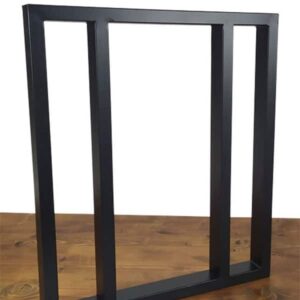
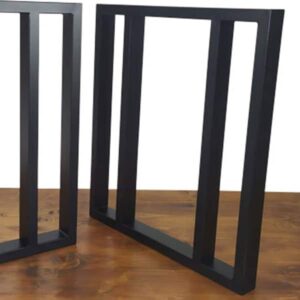
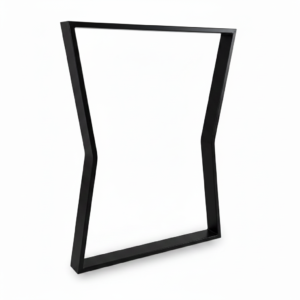
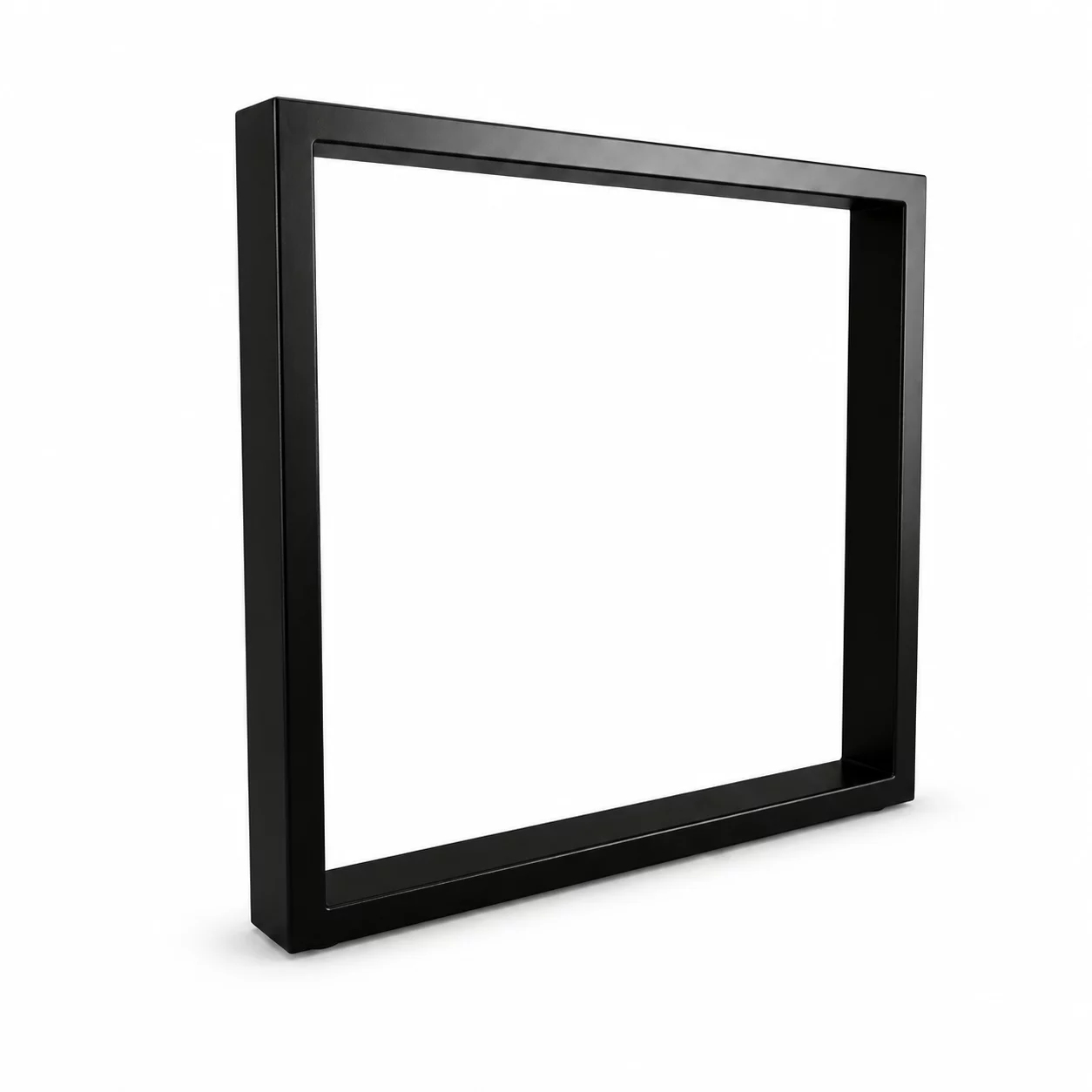
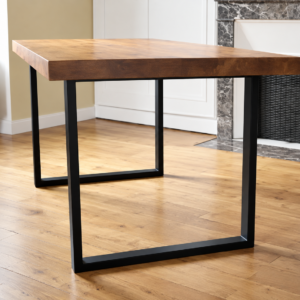
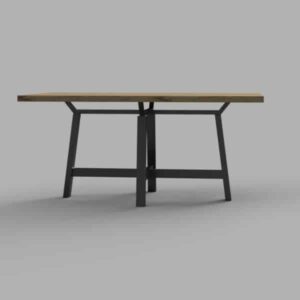
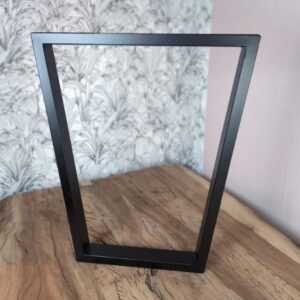
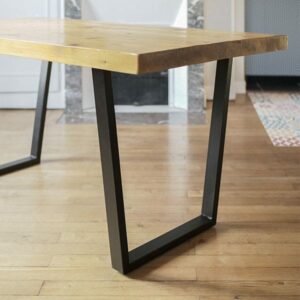
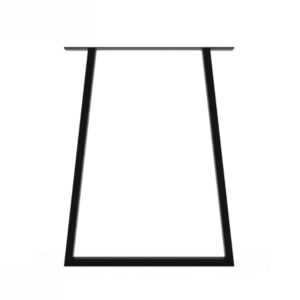
Metal desk legs for creating a workspace that suits your interior. Compare table bases, their dimensions and finishes according to your tabletop and office chair. Our advice helps you plan the height, legroom and space for your equipment.
Desk legs suited to your office chair and the way you work
Your chair beneath the desk
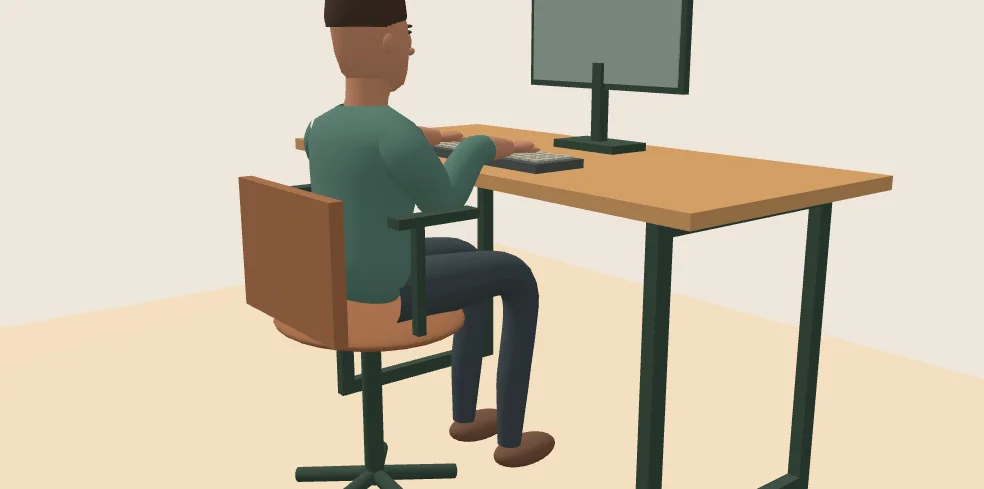
Adjust your seat height and take the tabletop thickness into account. Check the space available for your knees, armrests and hands when using the keyboard.
Sit down, relax your shoulders and check that the keyboard is roughly level with your elbows.
Desk height: 74 cm. The armrests fit underneath with 2 cm of clearance.
71 cm legs. In this simulation, the top of the armrests is 24 cm above the seat.
A DESK THAT FITS YOUR SPACE
Work comfortably. Feel at home.
01 · A COLOUR, AN ATMOSPHERE
A softer side to metal.
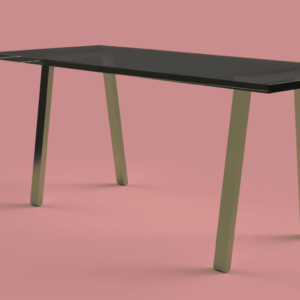
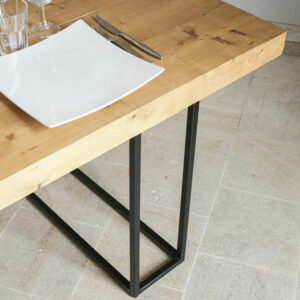
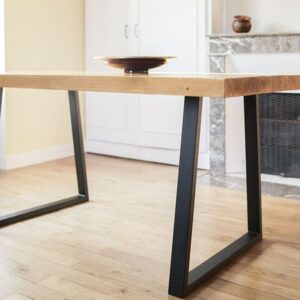
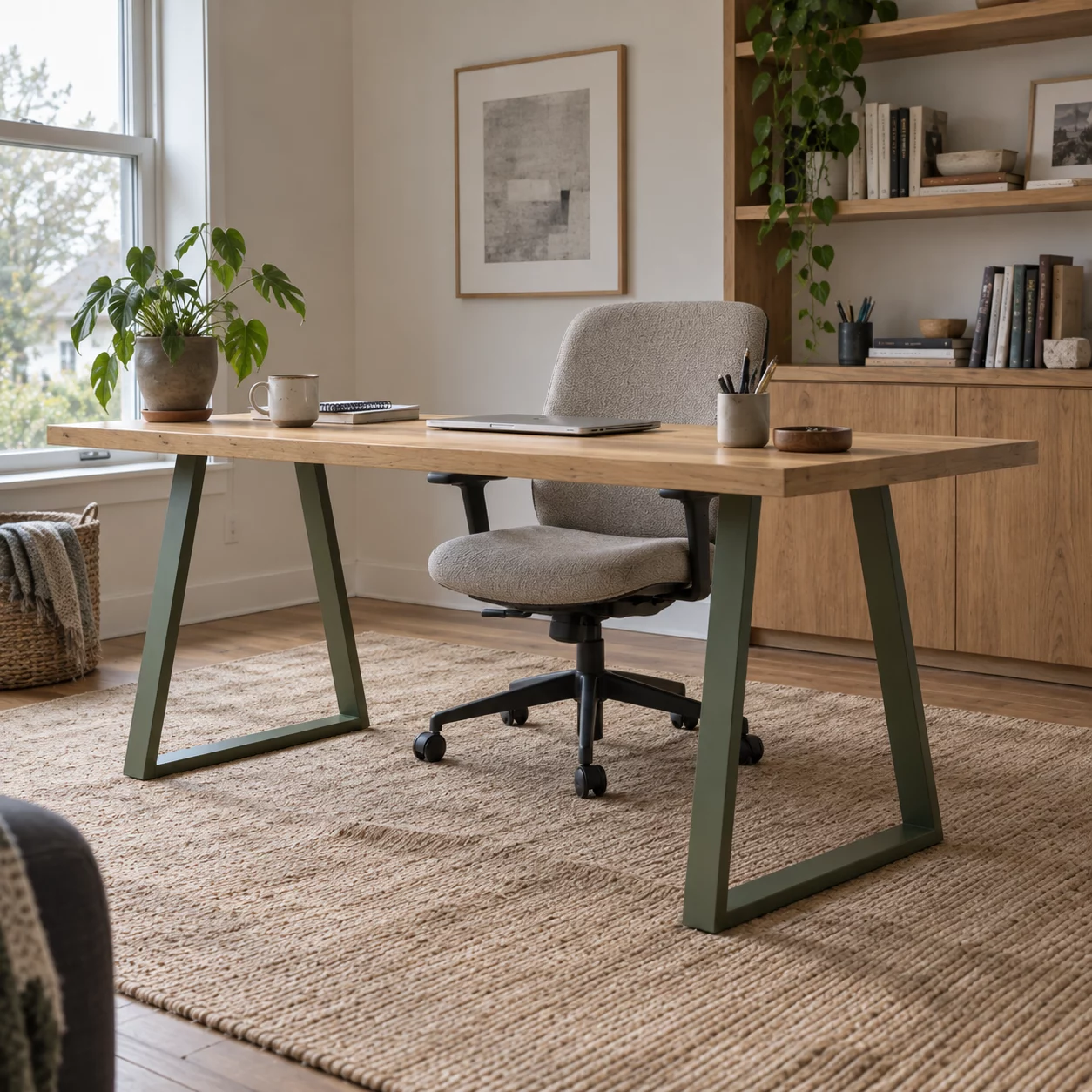
An olive-green table leg and a wooden tabletop give the desk a warm character. Coordinate the finish with your flooring and furniture, then check the desk height against your office chair.
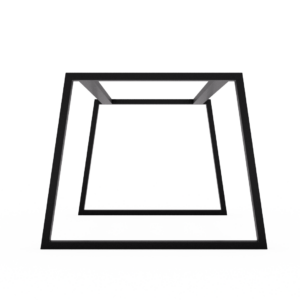
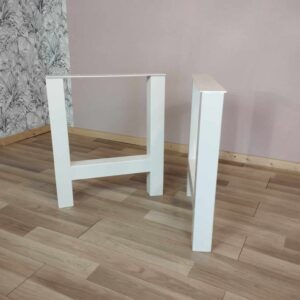
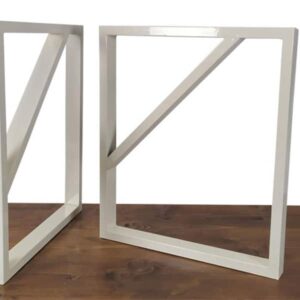
The frames are positioned at the ends to preserve the workspace. Measure the opening for your office chair and allow enough space for storage and monitor accessories.
What desk height should you choose for your seated working position?
First adjust your office chair so that your feet rest firmly on the floor, then try the height at which your forearms naturally sit when using the keyboard. A fixed-height desk needs to suit this position; raising it without considering your chair will not solve the problem.
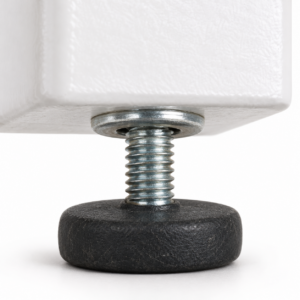
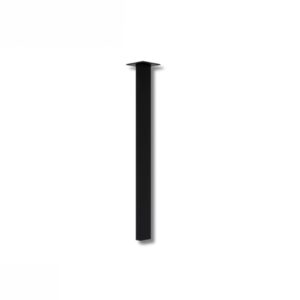
71 cm table legs with a 3 cm tabletop give a finished top height of 74 cm, including the integrated foot pads. This is an example of an arrangement, not an ideal height for every body type. If the desk is shared by people of different heights, an adjustable structure is worth comparing with fixed legs.
What depth and width should you choose for a desk?
Arrange your equipment on a full-size template before choosing the depth: monitor and its stand, keyboard, mouse, documents and lamp. Check that the edge of the tabletop does not force you to position the monitor excessively close or stretch your arm to reach the mouse.
For screen-based work, the current INRS guidance recommends a minimum depth of 80 cm and a width of 180 cm; 160 cm may be tolerated where space is restricted. These dimensions should be determined according to the tasks, equipment and number of screens.
The desk base must accommodate your chair, not just the tabletop
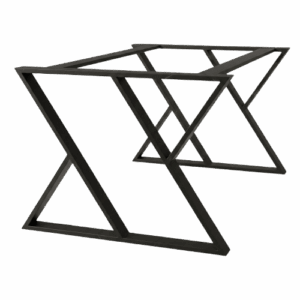
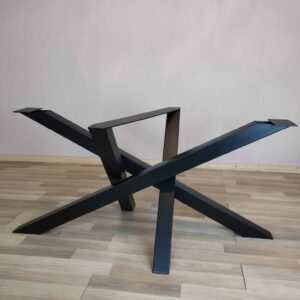
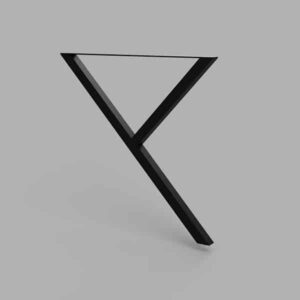
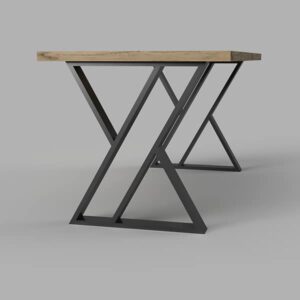
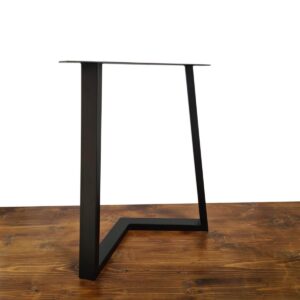
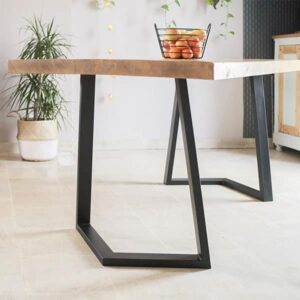
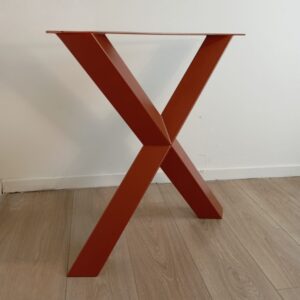
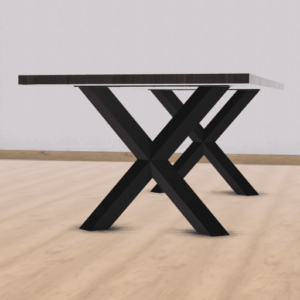
Measure the overall width of your office chair, including the armrests, then the opening between the uprights. A branch of an X-shaped table leg or an M-design table leg may reduce this opening at knee height, even when the distance measured at floor level seems sufficient.
A drawer unit, computer tower and cable trunking also occupy space beneath the desk. Mark out their positions alongside the legs. Preserve legroom and access to storage in your actual working position.
Do you use a clamp-mounted monitor arm?
The clamp must be able to reach an area of the tabletop suitable for its thickness and material. A metal mounting plate or frame immediately beneath the rear edge may prevent the clamp from tightening properly. Identify this area before positioning the legs.
The monitor's weight and the extended arm also place loads on the tabletop. The stated load capacity of the legs alone does not establish that this accessory is suitable: consult the installation requirements for both the monitor arm and the tabletop.
Preventing your desk from moving with every keystroke
A large, flexible tabletop or inadequate connections can transmit movement to the monitor. The entire structure must be considered: the rigidity of the wooden tabletop, the span between the legs, the joints and the floor supports. Simply switching to a wider tube does not guarantee that the movement will disappear.
Have the proposed configuration confirmed using the tabletop dimensions and equipment details. For a sit-stand workstation, choose a mechanism designed for this purpose; fixed legs and packing blocks are not a substitute.
Planning for cables and cleaning from the outset
Set aside an area for the extension lead and cables that does not interfere with the mounting plate screws or the movement of the office chair. If you add a cable grommet, the hole must not interfere with a fixing or weaken an area already subjected to loads.
Before ordering, gather together your desired height, tabletop thickness, the space needed for your office chair and drawer unit, and the positions of your monitors and clamps. These details will help you make an informed choice of table base.
THE DETAIL THAT MAKES THE DIFFERENCE
Finishes
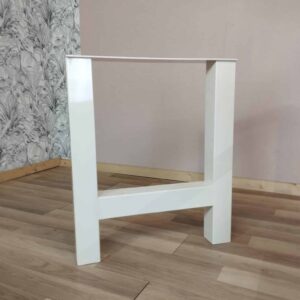
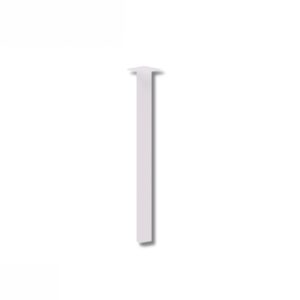
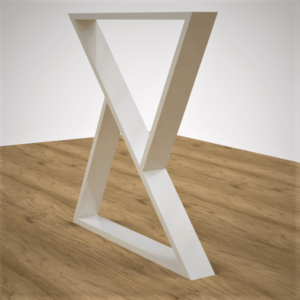
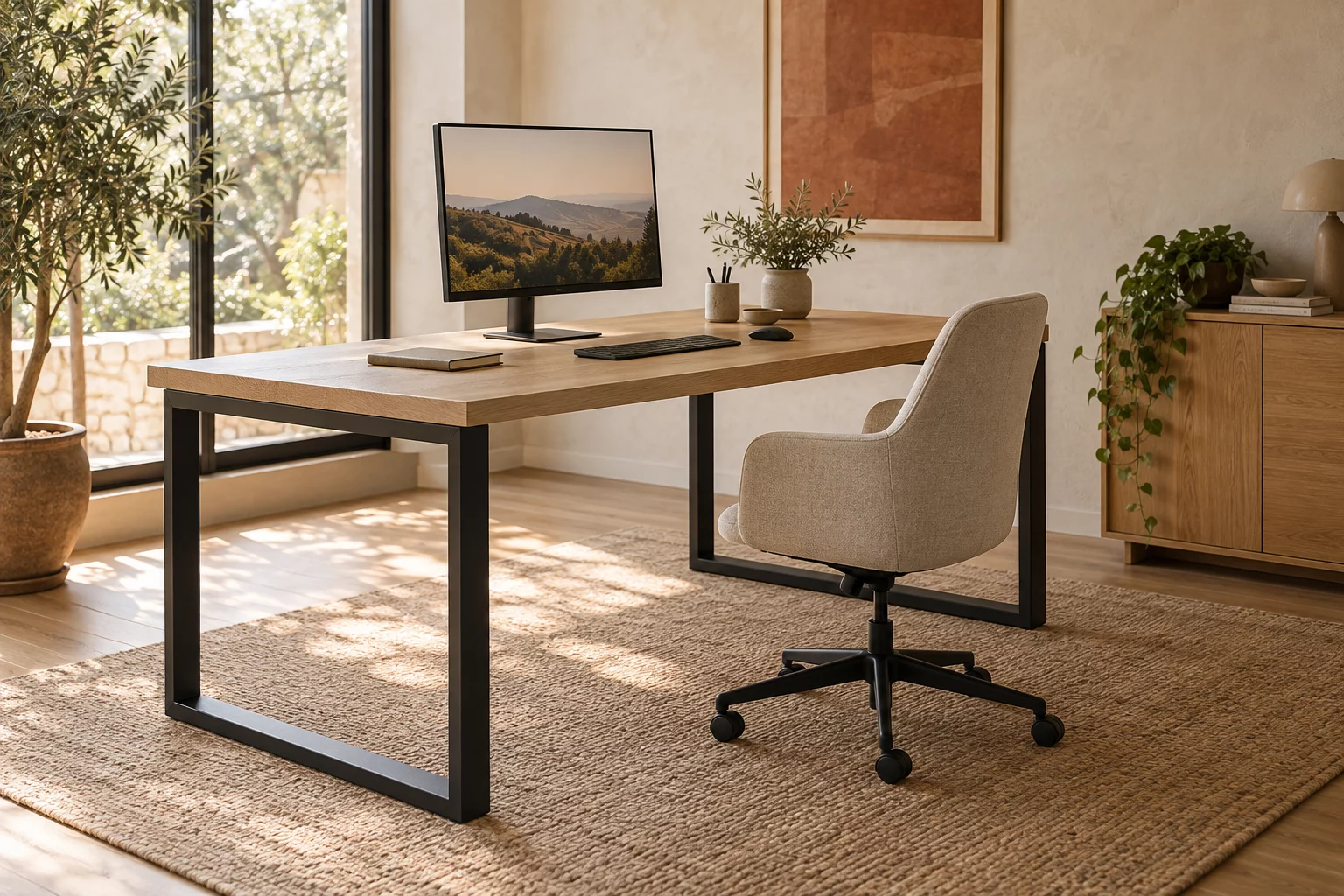
A bright cream, a soft green or a touch of copper: coordinate your table legs with the tabletop and seating. Whether smooth, finely textured or metallic, the appearance of the finish matters just as much as the colour.
With a 3 cm tabletop, they give a finished height of 74 cm, including the integrated foot pads. Try this height with your office chair adjusted and your keyboard in position. If it does not suit you, adapt the leg height rather than continually compensating with an unsuitable seating position.
How much depth should I allow for my monitor?
Arrange the monitor stand, keyboard and documents on a full-size template. For a screen-based workstation, the INRS recommendation of 80 cm depth is a starting point to adapt to your needs; it does not automatically make every tabletop of that depth a comfortable workstation.
How can I tell whether my office chair will fit between the legs?
Measure the armrests and compare them with the actual opening at their height. Also check the branches at knee level and whether you can move backwards in the chair without hitting a bar at floor level.
Can I install a monitor arm for two screens?
Yes, but only if the monitor arm, tabletop and fixing method are compatible. Keep the clamping area clear and check the permitted thickness, load and installation requirements. The table base's load capacity alone does not establish that the monitor arm can be securely clamped.
How can I prevent my monitor from shaking when I type?
Examine the joints, floor contact and rigidity of the tabletop between its supports. A large overhang or flexible tabletop may remain problematic even with robust legs. Have the complete structure and equipment positioning checked.
Can a drawer unit replace one side of the table base?
Only if it is designed to support the tabletop and the connections are suitable. A mobile drawer unit simply placed underneath is storage furniture, not automatically a structural support. Its height must also match the legs.
Can I turn these fixed legs into a sit-stand desk?
No, not by simply adding height extensions. A sit-stand desk requires a structure and mechanism designed for different heights, with cable management that accommodates movement.